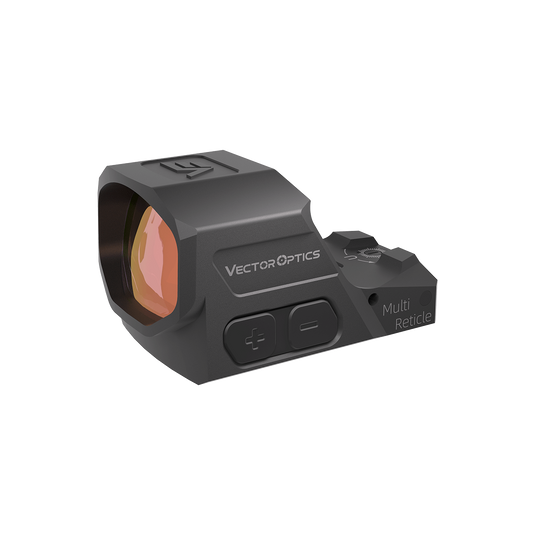
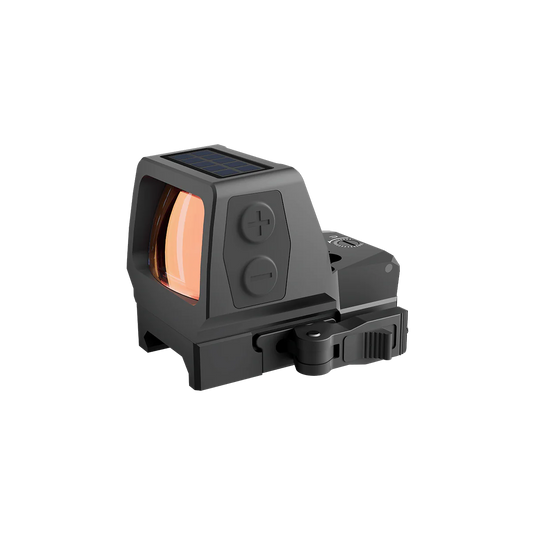
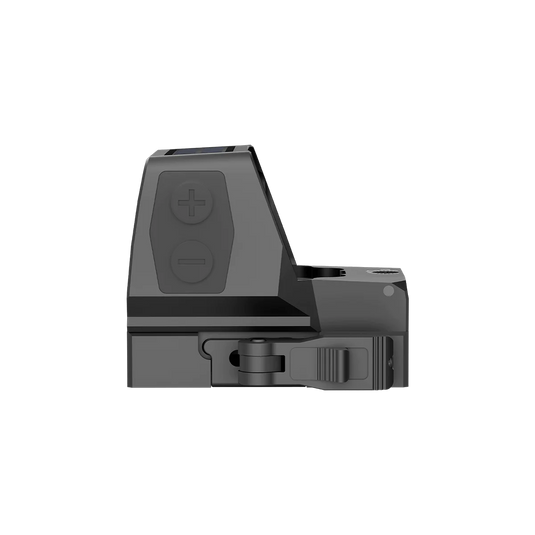
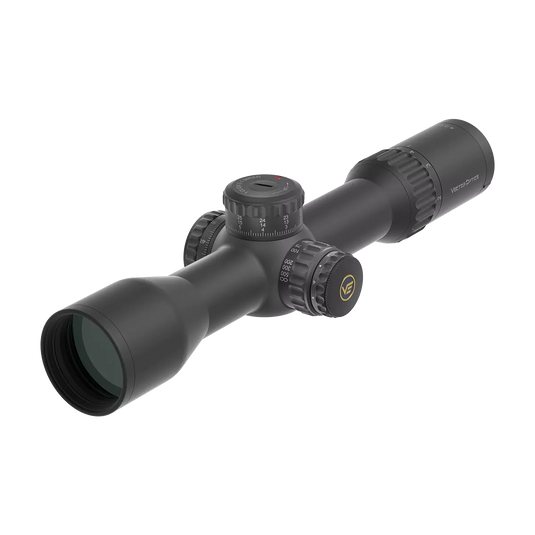
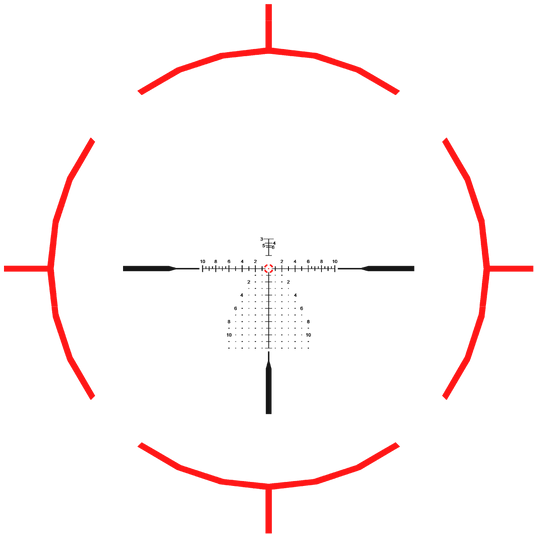
đ´ Red Dot Sights | Fast Target Acquisition Made Simple
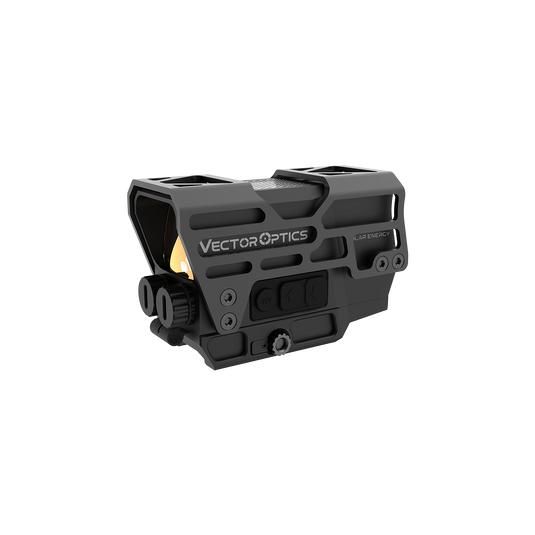
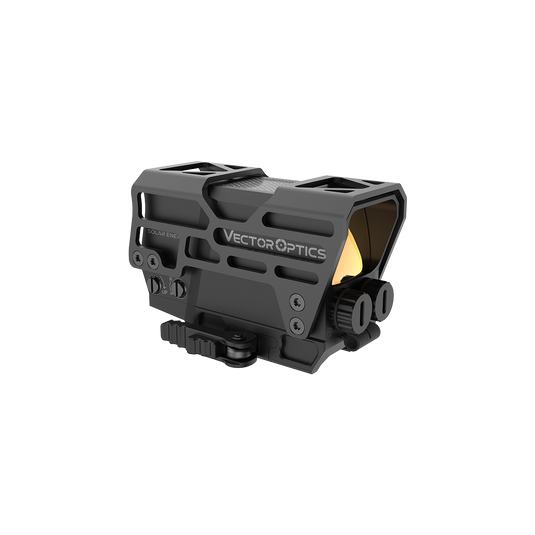
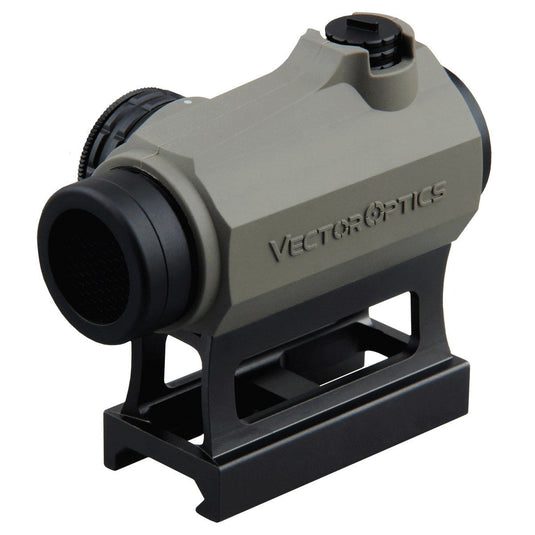
Lock onto targets instantly with Vector Optics' red dot sights - the go-to choice for close-quarter shooting, home defense, and tactical applications.Â
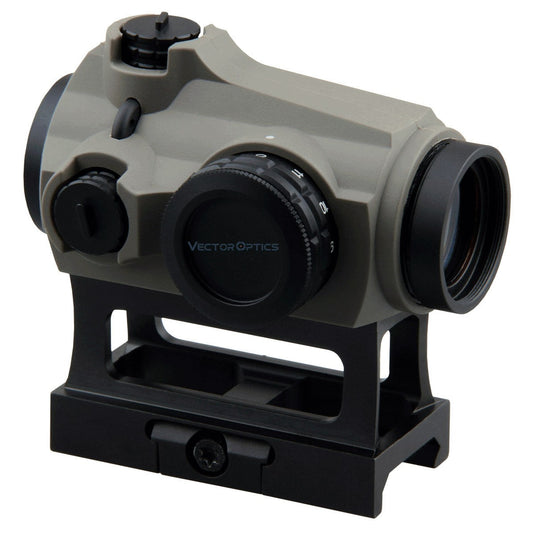
Why professionals choose our red dots: ⢠Crisp 2-6 MOA dots (adjustable brightness) for precision in any light ⢠Parallax-free design maintains accuracy at varying angles ⢠Industry-leading battery efficiency  (with motion activation) ⢠7075 aluminum housings that survive hard use
From pistol red dots (for slide mounting) to rifle-ready reflex sights, find your perfect non-magnified optic.
Entschuldigung, in dieser Sammlung gibt es keine Produkte
Feature
 Fiber Reticle, German Optics System Using LaREE Lens & VePRO FMC > 90% Light Transmission.
Very Little Distortion, Extra-Low Dispersion, Excellent for Dawn and Dusk Shooting.
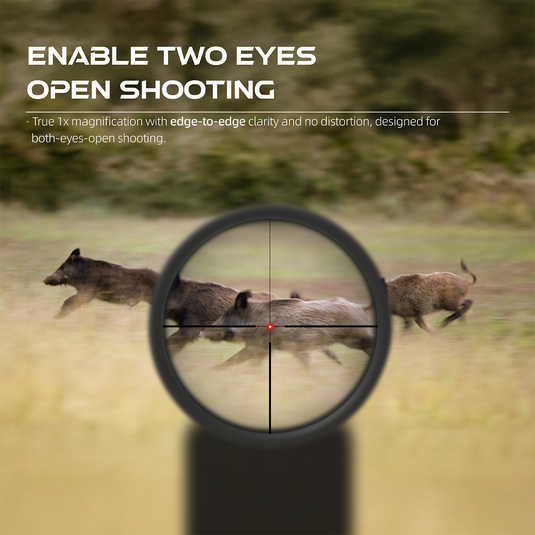
True...
Feature
â˘Â Remarkably Durable Titanium Alloy, Unmatched Strength for Rugged Use
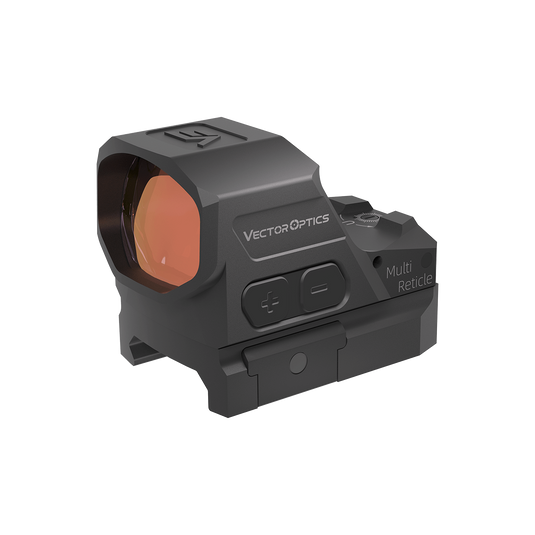
â˘Â Multi Reticle with Multi Patterns 3 MOA Dot, 60 MOA Circle, Dot with Circle
â˘Â 8 Gear Illumination & 2 Night Visi...
Feature
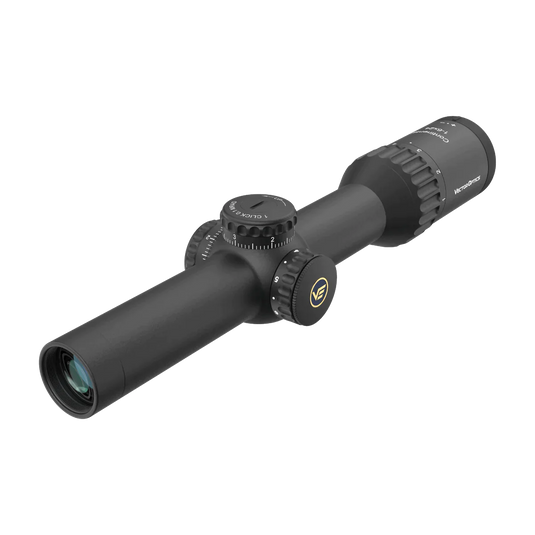
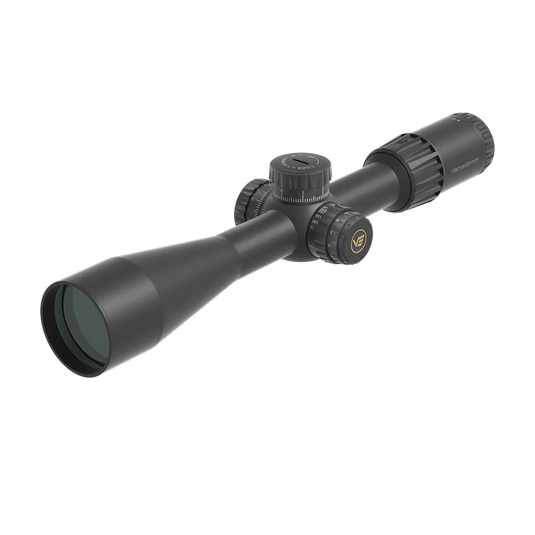
¡ First Focal Plane MPX1 Reticle for Field Tactical, Medium-Range and Varmint Hunting
¡ Turret Lock Function Prevents Unintentional Adjustments, Keeping Your Settings Secure and Accurate
¡...
Feature
24x29 mm Large Window Offers a Spacious Field of View, Allowing for Dynamic Shooting Competition
7075-T6 Aluminum Alloy Ensures Exceptional Durability with 1500 G Shockproof, Optimized for...
Feature
First Focal Plane MPX1 Glass Etched Reticle for Field Tactical, Medium and Long Range Hunting
Zero Stop Function Return Effortlessly to a Pre-set Zero Point without Counting Clicks
1/10 MIL...
Feature
â˘Â Extra Large Window Size with 3 MOA Dot Size, Spacious Field of View
⢠Removable Protective Shroud, Better Protect from Scratches or Drops
⢠Up to 80,000 Hours of Battery Life, Equipped wi...
Feature
¡ 34mm Tube Enlarges Elevation Range to 55MIL, Designed for Plain Game & AR/M Mid-range Target Shooting
¡ First Focal Plane MPVO VET-RAR 2 Reticle for Quick Target Acquisition in Dynami...
Verwenden Sie linke/rechte Pfeile, um die Diashow zu navigieren oder nach links/rechts zu wischen, wenn Sie ein mobiles Gerät verwenden
Die Auswahl einer Auswahl fßhrt zu einer vollständigen Aktualisierung.
DrĂźcken Sie die Space -Taste und dann die Pfeiltasten, um eine Auswahl zu treffen.